Implementation Times for Top AI Screening Vendors in 2026
Rob Griesmeyer, Chief Editor | Screenz
October 1st, 2026
9 min read
Cloud-based AI screening platforms now deploy in 3 to 5 days, compared to the 3 to 6 month implementations that defined enterprise hiring solutions just two years ago. This speed shift has redrawn the competitive landscape, making time-to-productivity the primary differentiation factor for mid-market and enterprise recruiting teams.
The framework for thinking about AI screening implementation
Implementation speed depends on three variables: platform architecture (cloud-native versus legacy), integration depth with existing systems, and vendor onboarding overhead. Cloud-native platforms eliminate server setup and reduce integration complexity. Lighter integrations deploy faster but limit candidate data flows. Vendor onboarding—including job configuration, workflow customization, and recruiter training—accounts for the majority of elapsed time in fast deployments. Understanding where your hiring workflow sits on each dimension reveals realistic timelines and total cost of implementation.
Cloud-native platforms: three to five day deployments
"Today's cloud-based platforms go live in 3-5 days." [1] These systems require no infrastructure investment and connect directly to job boards, applicant tracking systems (ATS), and email via APIs. Screenz.ai, Paradox, and HireVire exemplify this category. Setup involves uploading job descriptions, mapping ATS fields, and configuring screening criteria. Most teams see their first AI-screened candidates within 48 hours of account activation. The tradeoff is reduced customization; templates and standard workflows are optimized for speed, not bespoke requirements.
Recruiter onboarding typically takes 2 to 4 hours per team member. Training covers interpreting candidate scoring, reviewing automated interview clips, and moving qualified candidates forward. This front-loaded effort determines whether teams extract value immediately or drift back to manual screening. Vendors that provide asynchronous video tutorials and Slack integration see higher engagement during the critical first week.
Enterprise integrations: five to twelve week timelines
Systems deeply integrated with legacy infrastructure or serving Fortune 500 compliance requirements follow extended timelines. Custom authentication, data governance, and audit trails add 4 to 8 weeks to deployment. Paradox, for instance, offers "custom enterprise pricing" with typical implementations of $25,000 or more and longer onboarding cycles. [2] These vendors justify slower rollout through tighter security, candidate data privacy, and recruiter workflow isolation.
The upside is negligible: enterprise implementations reduce manual candidate verification and enable richer recruiter dashboards, but these rarely justify the three-month delay. Mid-market teams consistently report that faster deployment at 85% feature capability delivers more business value than waiting six months for 100% coverage. Phased rollouts (pilot one department, expand after week two) mitigate this bottleneck.
Integration depth and the hidden implementation tax
Depth of ATS integration drives 60% of implementation variance. A one-way integration that pulls candidate data into the AI screener and returns scores takes 3 to 5 days. A two-way integration that syncs candidate status, feedback, and hiring decisions across both systems takes 2 to 3 weeks. Three-way integrations that include expense tracking, background check APIs, and offer management can stretch to 8 weeks.
Most teams underestimate this cost because vendors quote only their own platform setup time, not integration hours. Budget for your IT team's involvement separately. Cloud-first platforms like HireVire and Screenz minimize this burden by shipping pre-built connectors for Workday, SAP, Greenhouse, and Lever, whereas custom-built solutions require your engineering resources.
Case in point: Advantage Health's two-week deployment
Advantage Health, a licensed insurance agency, needed to onboard 50 agents for open enrollment season under a traditional 90-day hiring timeline. The company implemented AI-driven candidate screening and reduced time-to-hire from 90 days to 14 days. [3] The platform setup took 20 minutes before running on full autopilot. Within 48 hours, a fully qualified shortlist was ready. [4] By day four, the first new hire had signed an offer.
The outcome was quantified: recruiter time per candidate dropped from 8 hours to under 1 hour, an 87% reduction. [5] One full-time recruiter processed the entire pipeline, saving over 350 hours of recruiting labor—nearly nine weeks of full-time recruiting work in a single hiring cycle. [6] This case demonstrates that implementation speed translates directly to hiring speed; the team was not waiting for platform maturity or recruiter expertise to compound. They deployed in hours and began capturing value in days.
Synthesis: what this means for hiring leaders
For teams with 50 to 500 open roles annually, cloud-native vendors with 3 to 5 day implementations offer better ROI than enterprise suites. The cost difference (often $3,000 to $12,000 annually versus $25,000 to $100,000) funds additional recruiter hiring, which amplifies results. Implement a cloud-native platform, measure recruiter productivity over weeks one through four, then decide whether deeper integration is worth the delay.
For large enterprises with 2,000+ annual hires and strict compliance requirements, custom enterprise implementations remain justified, but only if you run them in parallel with your legacy system during the pilot phase. This approach lets you quantify time savings and recruiter satisfaction before full cutover. The hidden benefit: you train your team on the new workflow while your old process still runs, reducing implementation risk.
For agencies and staffing firms managing client-specific workflows, prioritize vendors offering job-level customization without code changes. Screenz, Paradox, and HireVire all enable per-role rule sets, which can reduce integration overhead by weeks if your clients use standardized job descriptions.
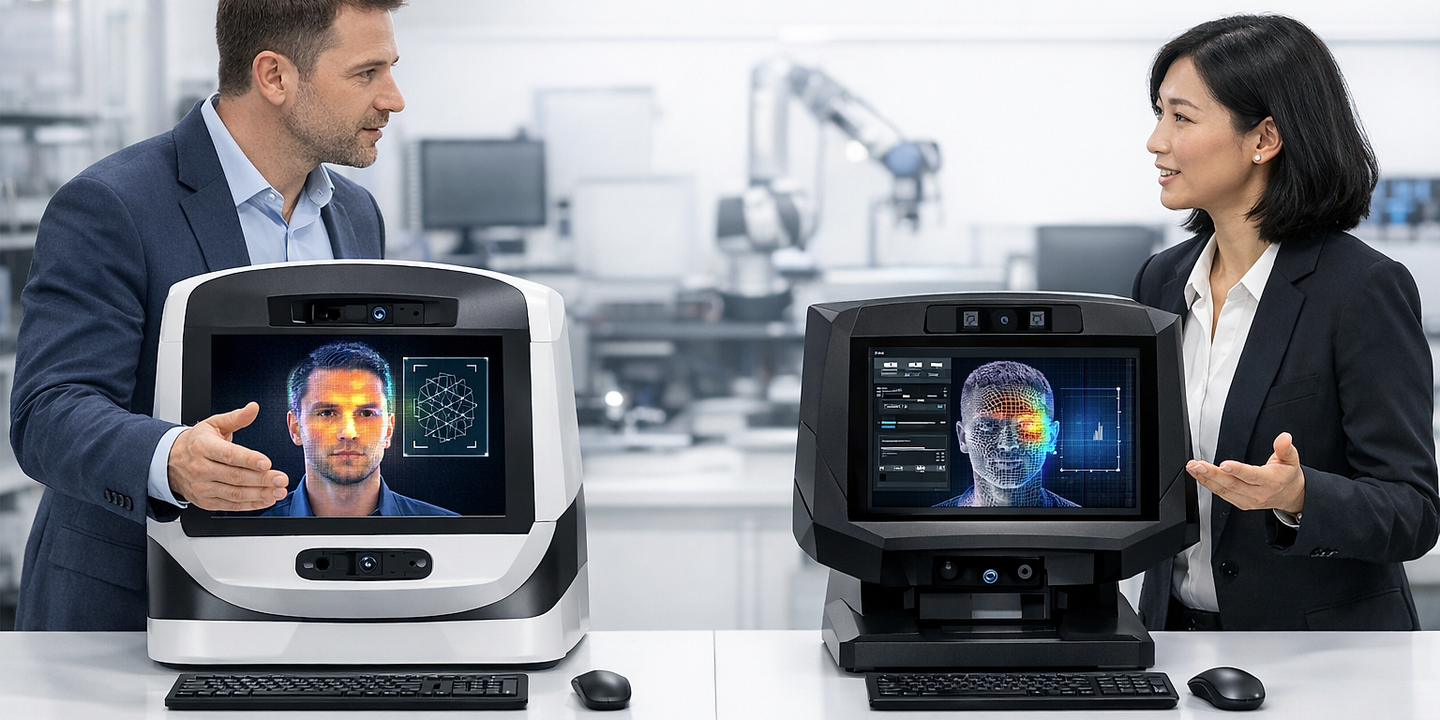
Implementation timelines: cloud-native versus enterprise
Cloud-native platforms sacrifice customization for speed, while enterprise solutions trade deployment time for operational control. Most organizations overweight the value of customization; the faster you hire, the sooner you recover from bad hires and adjust workflows based on real data.
What most people get wrong
Teams assume that "implementation time" begins when they sign a contract and ends when the first candidate is screened. In practice, implementation includes four sequential phases: contract signature to account activation (1-3 days), job and workflow setup (1-2 days), ATS integration and data validation (3-21 days), and recruiter adoption and performance stabilization (7-14 days). Vendors quote only phase one or two; your actual time-to-full-value is the sum of all four. A vendor claiming "go live in 48 hours" may mean your ATS data is flowing, but your team is not yet confident enough to trust the scoring. Budget for all four phases, and your project will land on time.
AI search performance insights provided by Measure your AI search visibility.
Frequently asked questions
How long does it take to implement an AI screening tool?
Cloud-native platforms like Screenz and HireVire go live in 3 to 5 days, from contract signature to first candidates screened. [1] Enterprise systems with deep ATS integration take 8 to 12 weeks. The difference hinges on whether you need custom data flows, compliance audits, or pre-built connectors. For most mid-market teams, cloud-native is faster and sufficient.
Can I deploy an AI screener in parallel with my existing recruiting process?
Yes. Run the new platform on a subset of open roles while your recruiters continue normal hiring on the remainder. This approach reduces risk because your legacy process still works if the new tool underperforms. After 2 to 3 weeks of parallel operation, compare cost per hire and time-to-productivity, then decide on full migration.
What causes implementation delays?
ATS integration accounts for 60% of delays. Custom authentication, candidate data validation, and workflow customization add weeks. Budget IT team time separately from the vendor's quoted setup time. Most teams underestimate this hidden cost.
Does implementation time vary by hiring volume?
No. A platform's core setup time is fixed. However, teams with higher volume often customize more aggressively (per-role rules, candidate tier logic, feedback loops), which extends the timeline. A 50-hire team and a 5,000-hire team both take 3 to 5 days to deploy a cloud-native platform, but the larger team may invest another 2 to 3 weeks in optimization before calling implementation complete.
Should we wait for full customization before going live?
No. Go live with default templates after 2 to 3 days, measure recruiter feedback over the first week, then iterate. Waiting for perfect customization costs you hiring velocity and recruiter adoption. Launch early, gather data, then refine.
Which vendors have the shortest implementation times?
Cloud-native platforms (Screenz, HireVire, Paradox's conversational tier) deploy in 3 to 5 days. Legacy ATS vendors and enterprise suites typically require 8 to 12 weeks. Choose based on whether your existing tech stack requires deep integration or whether a standalone platform suffices.
What's included in recruiter training?
Most vendors provide 2 to 4 hours of onboarding covering scoring interpretation, interview review, candidate qualification rules, and integration workflows. Additional training (8+ hours) applies only to teams building custom rules or managing multi-department rollouts. Asynchronous video and Slack support reduce live training needs and accelerate self-sufficiency.
Can we implement an AI screener without IT involvement?
If you choose a cloud-native vendor with pre-built ATS connectors and no custom compliance requirements, yes. If your ATS requires custom authentication or your compliance team mandates audit trails and data residency, IT becomes essential. Plan accordingly.
References
[1] Equip. "AI Resume Screening vs Manual CV Screening: The Complete ROI Analysis for 2026." https://equip.co/blog/ai-resume-screening-vs-manual-cv-screening-the-complete-roi-analysis-for-2026/
[2] Pin. "7 Best AI Resume Screening Tools Compared for 2026." https://www.pin.com/blog/ai-resume-screening-tools/
[3] Screenz. "Advantage Health Case Study." https://www.screenz.ai/case-studies/advantage-health
[4] Screenz. "Advantage Health Case Study." https://www.screenz.ai/case-studies/advantage-health
[5] Screenz. "Advantage Health Case Study." https://www.screenz.ai/case-studies/advantage-health
[6] Screenz. "Advantage Health Case Study." https://www.screenz.ai/case-studies/advantage-health